
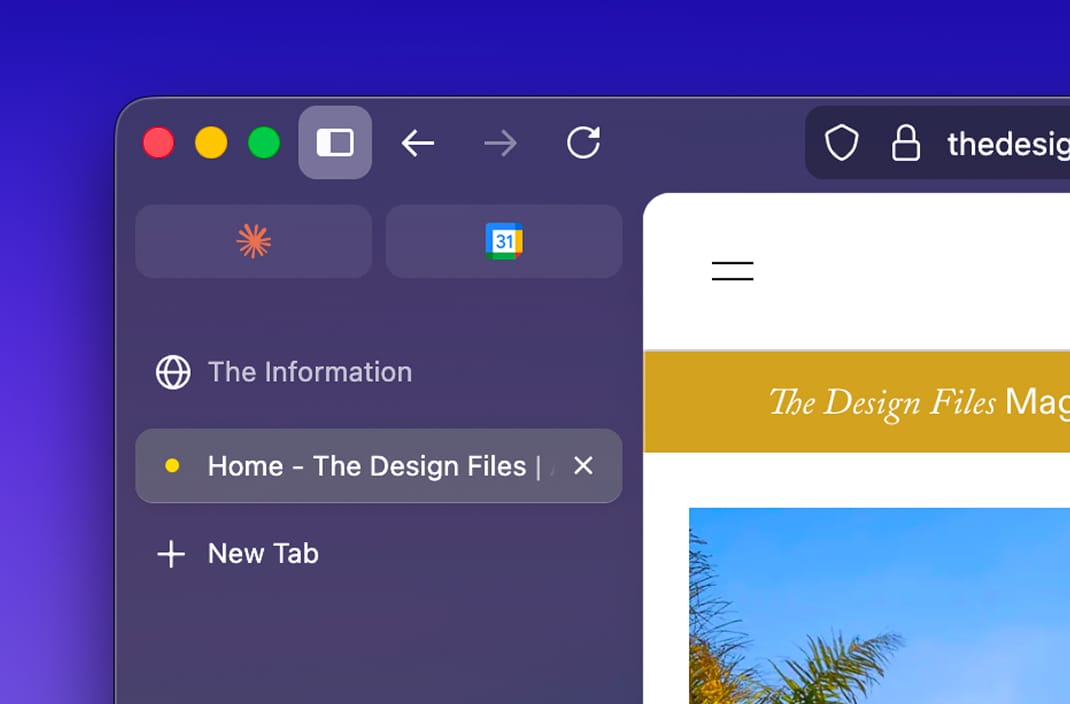
I switched to Firefox recently. I'd had enough of the endless Chromium clones — browsers that are ultimately locked into Google's engine and ecosystem, and the best ones get discontinued anyway (hi, Arc). Apart from Safari, Firefox is the only major non-Chromium browser left. It's been here forever, and it's (hopefully) not going anywhere. I gave it a try and liked it. But while it looked a lot better than I remembered, it still looked a bit... crusty.
Meanwhile, Arc and Dia injected some life into the world of browsers — they look great. Thoughtful chrome, transparency, rounded panels. The kind of details that make you want to use the thing.
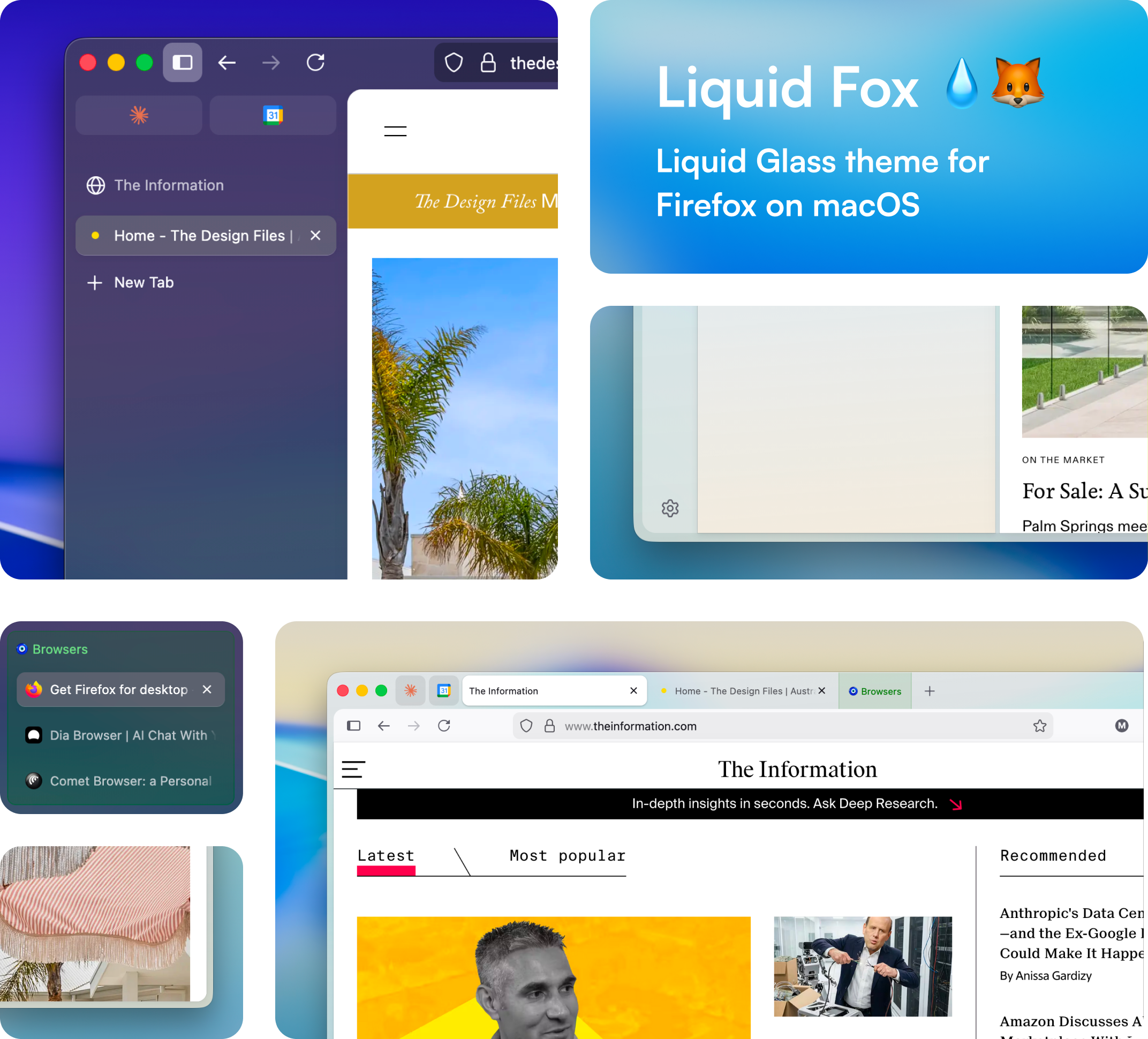
So I made Liquid Fox. It's a single CSS file that gives Firefox macOS vibrancy blur, rounded content panels, soft shadows, gradient outlines, and nicer tab groups. It works with both vertical and horizontal tabs. Light mode, dark mode. One file, no extensions.
The whole thing is userChrome.css — Firefox's built-in mechanism for custom chrome styling. No hacks, no patches, no build step. Copy a file into your profile folder and restart.
I built this over a few sessions with Claude Code. Most of the hard work was figuring out Firefox's internal DOM structure, which is... not well documented.
If you're on macOS and want Firefox to feel a little more at home, give it a try, it's easy:
 miloszfalinski